
Advanced
Anti-Reverse Engineering Systems
Local-first protection tools for Windows apps, Lua/Luau, Python, JavaScript, and private vault workflows.
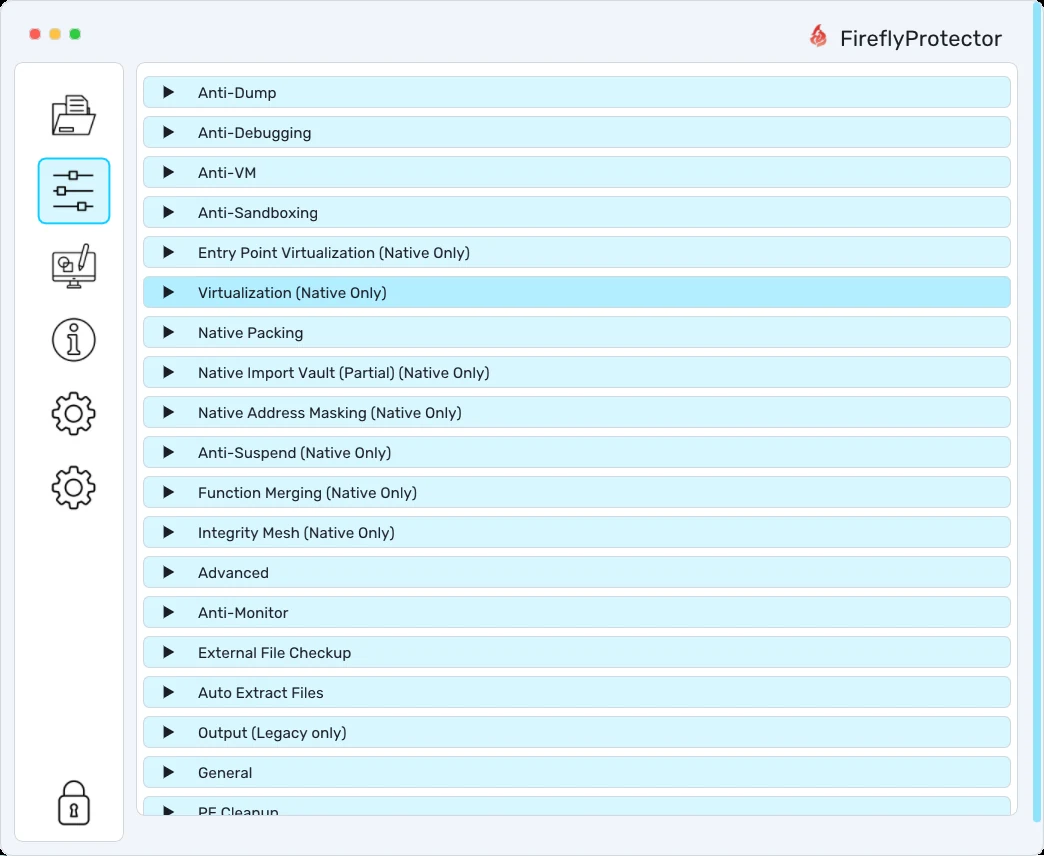
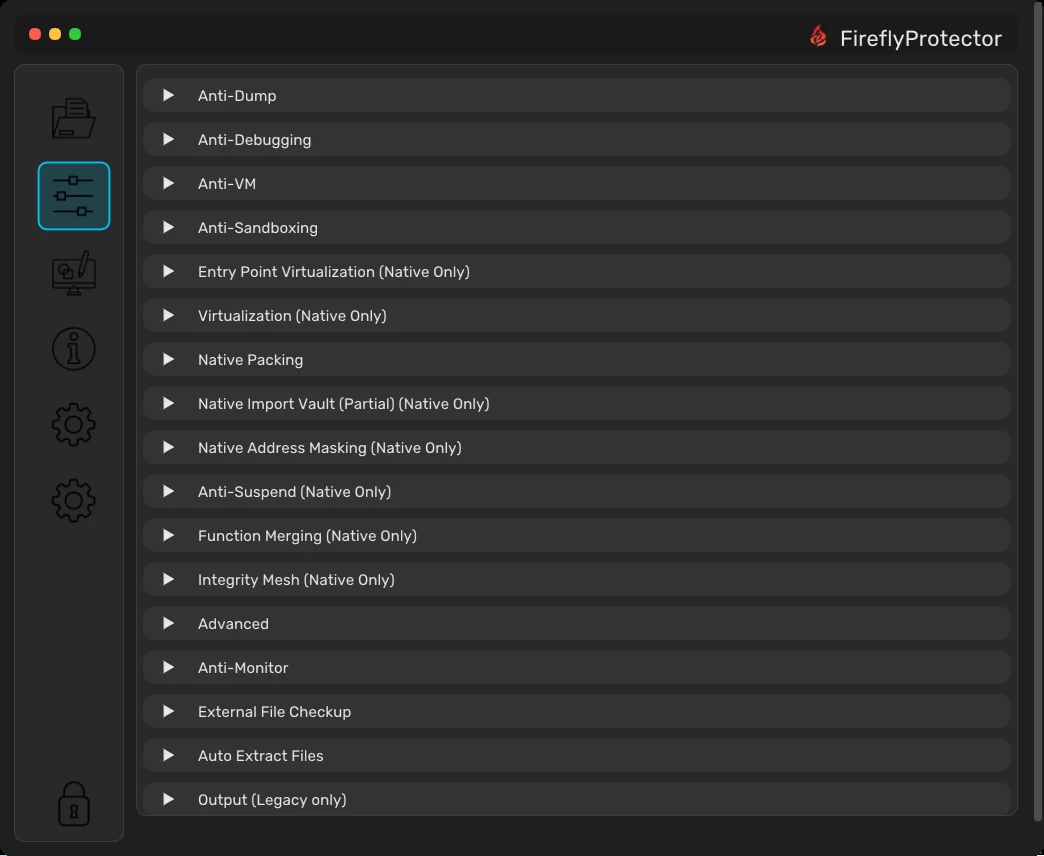
How Our Obfuscation Works
FireflyProtector uses selective native-code virtualization to protect sensitive functions, with instruction encodings and handler variants that change between builds. It also supports authenticated packing for code and data, protected import resolution, loader-control virtualization, and integrity checks. These protections cover both application startup and runtime.
JS-Reactor compiles supported JavaScript functions and expressions into generated register-based virtual machines. Each build can use different instruction layouts, dispatch strategies, and runtime state layouts. Bytecode blocks are encrypted individually and decoded as needed, then kept in a masked form while in use. Block validation and tamper checks are tied to the VM's protection state. String protection and control-flow transforms protect the surrounding code.
To recover protected logic, an analyst has to understand the generated VM, decode its data, and account for its integrity checks. Protection options depend on the target and profile. You can apply stronger protection where it matters most and use lighter settings where speed, file size, or compatibility are the priority.
Available Tools
FireflyProtector
Native Virtualization SDK
Full function virtualization targeted by PDB or markers, with an SDK for x64 EXE, DLL, and Linux ELF / .so.
LuaVirtualBox
Web-Based Obfuscator
Lua and Luau obfuscation with VM-style transforms and Roblox compatibility.
Launch Web AppJS-Reactor
Web-Based Obfuscator
JavaScript & TypeScript protection with VM compilation and SWC transforms.
Launch Web AppPyConfuser
Web-Based Obfuscator
Python protection with rename, string, control-flow, and VM layers.
Launch Web AppHuTaoCrypt
Desktop App - Windows & Linux
Desktop vault encryption for Windows and Linux with local file vaults.
View DownloadsMore Tools
Community & External
Community and external protector modules across Python, JS, Lua, and .NET.
BrowsePowerful Security Features
Code Virtualization
Selected functions run inside a virtual machine that is regenerated for every build, so nothing learned from one binary transfers to the next.
Control-Flow Flattening
Functions are restructured into randomized state machines, so the original logic never becomes visible to decompilers.
Function Merging
Functions are merged behind randomized dispatchers until their boundaries blur, and calls with the wrong token refuse to run.
Full Packing
Sections and resources are sealed behind your password and restored only at runtime, and tampered files never load.
Integrity Mesh
Overlapping integrity checks watch the protected regions from startup onward, so patches and edits get shut down.
Import Protection
The visible import list is cut to the bare minimum, so analysts never get a readable map of what your code calls.
Layered Anti-Debugging
Independent detection layers recognize debuggers and tracing tools, and only corroborated findings trigger a response.
Per-Vendor Anti-VM
Dedicated profiles detect VMware, VirtualBox, Hyper-V, Parallels, QEMU, and sandboxes, terminating only on corroborated evidence.
Anti-Dump & Anti-Suspend
Dumpers lose the metadata they need to rebuild your program, and frozen or stalled processes are detected and stopped.
Full Script Virtualization
Your whole script is compiled into a custom bytecode with its own interpreter, leaving decompilers nothing recognizable to work with.
String Encryption
Every string is encrypted for the individual build and only rebuilt in memory when it is needed.
Number Encoding
Numbers are rewritten into randomized arithmetic, so constant values never appear in plain form.
Control-Flow Tokenization
Branches inside the virtual machine become opaque token dispatches instead of readable paths.
Metamorphic Builds
Instruction layouts, dispatchers, and names are reshuffled on every build, so nothing learned from one output transfers to the next.
Encrypted VM Blocks
The virtual program ships as encrypted, armored blocks with decoy chunks mixed in, decoded only when needed.
Encrypted VM State
Program state is kept in encoded storage at runtime instead of plain tables, so live memory reads like noise.
Hook & Dump Guards
Hook, dump, and memory anomalies feed a hidden honeypot that quietly poisons execution instead of raising alarms.
Integrity Tripwires
Watermark and checksum guards make edited scripts loop or fail, so tampering never pays.
VM Compilation
Supported functions compile into register-based virtual machines that are regenerated for every build.
Protection Profiles
From fast to maximum, each profile tunes decoys, junk density, and dispatcher complexity for your target.
Outer Hardening
Strings, numbers, and property names in the surrounding code are rewritten behind per-build decoders.
String Encryption
Strings are protected in multiple layers with keys derived at runtime, never stored in the file.
Control-Flow Flattening
Code becomes shuffled dispatch loops with random predicates and decoy branches, so the original path never appears.
Dead Code Injection
Always-false guards and shadow variables pad the file with believable logic that never runs.
Math Obfuscation
Numbers are split into randomized sums and wrapped in neutral conditions, so constants stop being readable.
Variable Renaming
Names become realistic per-build compounds with no trace of the originals.
Anti-Debugging
Recurring probes watch for developer tools and automation, and detections quietly corrupt the data instead of raising alarms.
Integrity Check
Built-in functions are verified against per-build markers, and tampering skews the output silently.
Self Defending
Hidden sentinels keep verifying the protection itself, so stripping or editing it breaks decoding.
AI Protection
An encrypted analyst notice rides along in every build and only surfaces to AI tools asked to deobfuscate it.
Bytecode Virtualization
Your module compiles down to bytecode that ships in encrypted chunks, keyed by an embedded virtual machine.
Packer Protection
The finished script is stored compressed and encrypted and only rebuilt in memory when it runs.
Import Obfuscation
Module names are encrypted and resolved only at runtime, hiding which libraries your code uses.
String Encryption
Every string is encrypted, with keys rebuilt from decoy logic while the program runs.
Math Obfuscation
Arithmetic is rewritten through boolean identities, so even simple operations lose their meaning.
Debugger Detection
Analysis tools, tracing, and timing anomalies end the process before they can look around.
Control-Flow Flattening
Function bodies become shuffled state machines, so the original order never appears.
Junk Code Injection
Realistic decoy functions and opaque predicates bury the real logic in believable filler.
Checkpoint Guards
Hidden counters verify each path ran untouched, and edited flow simply hangs.
Deceptive Renaming
Variables and functions become lookalike confusables and long gibberish that is easy to mix up.
Decoy VM Injection
A large decoy virtual machine buries the real code, and its built-in canary crashes on tampering.
Fake FFI Injection
Dozens of fake native bindings feed the real encryption keys, so removing them breaks everything.
Simple 3-Step Process
Select Files
Choose the .exe file you want to protect and specify the output location.
Configure Security
Enable the security features you need: Anti-Debugging, Anti-VM, Licensing, and more.
Protect & Deploy
Click Protect and distribute your secured application with confidence.
Frequently Asked Questions
Getting started
What is the difference between each tool in the ecosystem?
Which tool should I use?
.exe/.dll → FireflyProtector; private files on disk → HuTaoCrypt; a .lua script or Roblox Luau → LuaVirtualBox; a .py script → PyConfuser; a .js script → JS-Reactor; one protected workflow across languages → Vector Zero. The More Tools page summarises availability and current status for each.Where can I read full documentation?
Which file should I attach when reporting an issue?
protector_runtime.log from your application directory, your Machine ID (HWID) if licensing is involved, and the exact error code you received (for FireflyProtector, see the table in the User Guide). These three things let us reproduce the problem quickly. Send them through a private Discord ticket, never in a public channel.FireflyProtector
What does FireflyProtector protect, and on which platforms?
.exe and .dll. It requires a 64-bit Windows target and administrator rights when kernel-level features are enabled. It does not process .NET/CLR managed assemblies or Linux ELF binaries yet. If you see Error: 0x11, the target is not a 64-bit system.What do the FireflyProtector error codes mean?
0x10 administrator rights required, 0x11 architecture mismatch (x64 required), 0x12/0x13 integrity/tamper error (re-protect the file), 0x15 online time-check connection failed, 0x20/0x21 security alert (close background analysis tools), 0x40/0x41 watchdog alert. The full table with troubleshooting steps is in the Error Handling section of the docs.How does FireflyProtector licensing and HWID locking work?
Why did my protected program trigger a security alert (0x20/0x40)?
HuTaoCrypt
Where are HuTaoCrypt vaults stored, and is there cloud sync?
%APPDATA%\HuTaoCrypt\vaults\; on Linux under ~/.local/share/HuTaoCrypt. There is no built-in cloud sync. Anything you sync via your own cloud client is outside HuTaoCrypt’s control. Back up the vault location yourself (use the in-app full-backup export to a .hutaobackup file).What happens if I forget my HuTaoCrypt master password?
Does deleting a file in HuTaoCrypt remove every copy of it?
Which platforms does HuTaoCrypt support?
Script protectors (LuaVirtualBox · PyConfuser · JS-Reactor)
Which languages and versions do the script protectors support?
_ENV features are not supported. PyConfuser: Python 3.9, 3.10, 3.11, 3.12, 3.13 and 3.14 (verified in the engine). It needs original .py source; .pyc files are not accepted. JS-Reactor: JavaScript (parsed with SWC).Is LuaVirtualBox output really Roblox-compatible?
.lua file you paste into your Roblox script.